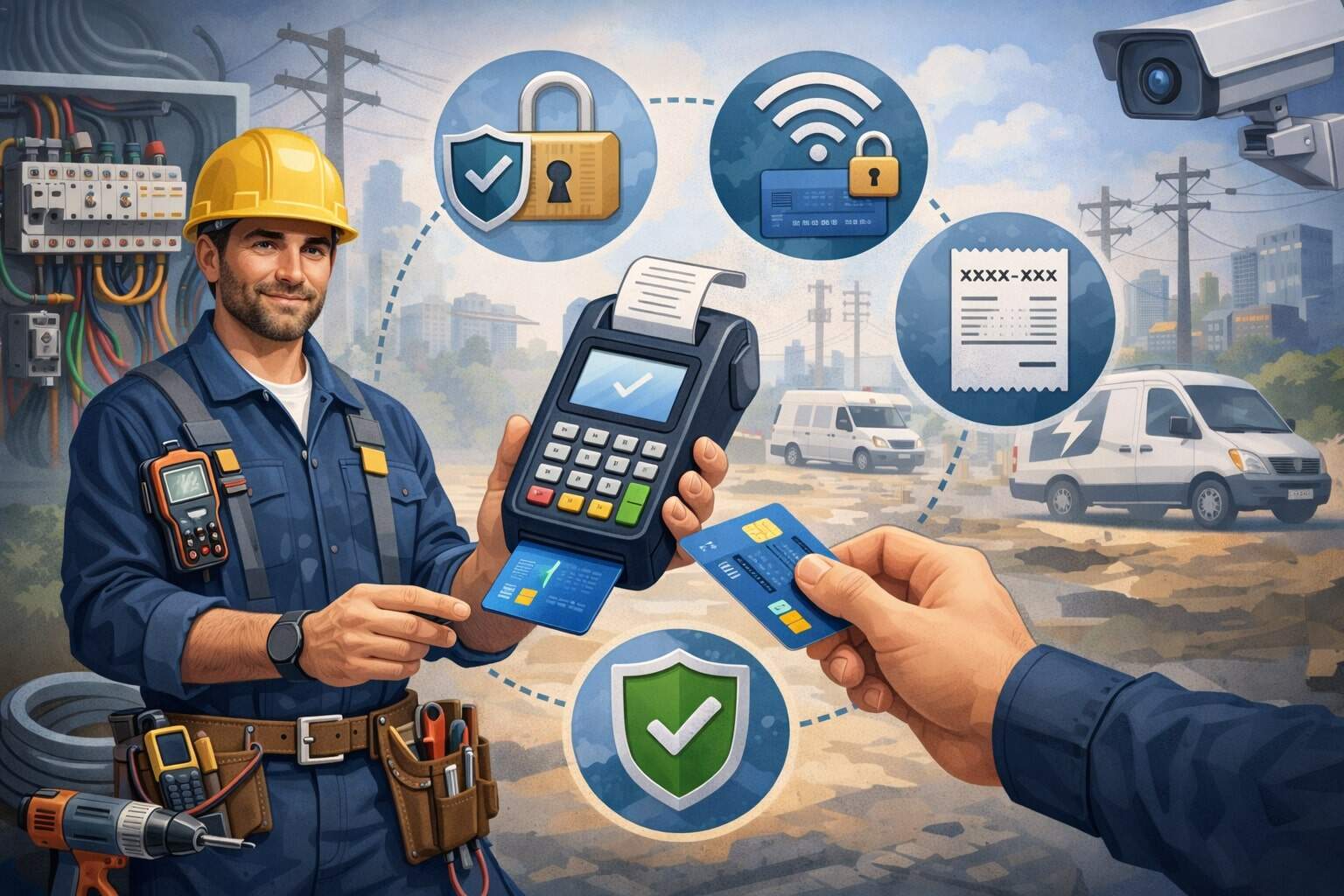
On-site electrical payments—whether you’re collecting a deposit before starting a panel upgrade, taking payment after an emergency repair, or billing for a multi-day commercial install—come with a unique risk mix.
Your team is often moving between job sites, working in busy driveways or active facilities, and handling customers who want fast, frictionless checkout. That combination can attract fraud, create disputes, and expose sensitive data if you rely on the wrong tools or the wrong habits.
This guide focuses on secure payment tips built specifically for on-site electrical payments: mobile card acceptance, invoices and links, recurring billing for service plans, and “pay on completion” workflows.
You’ll learn how to lower chargebacks, prevent skimming and data leakage, protect devices in the field, and build a process your technicians can follow even on a chaotic job.
These secure payment tips also support compliance expectations that have tightened recently, including modern payment-security requirements that became mandatory in 2025 under PCI DSS v4.x for many organizations.
Throughout this article, you’ll see practical checklists, policy ideas, and “what to do next” steps that help you apply secure payment tips without slowing down your crew or hurting conversions.
Why on-site electrical payments are higher risk than in-shop checkout
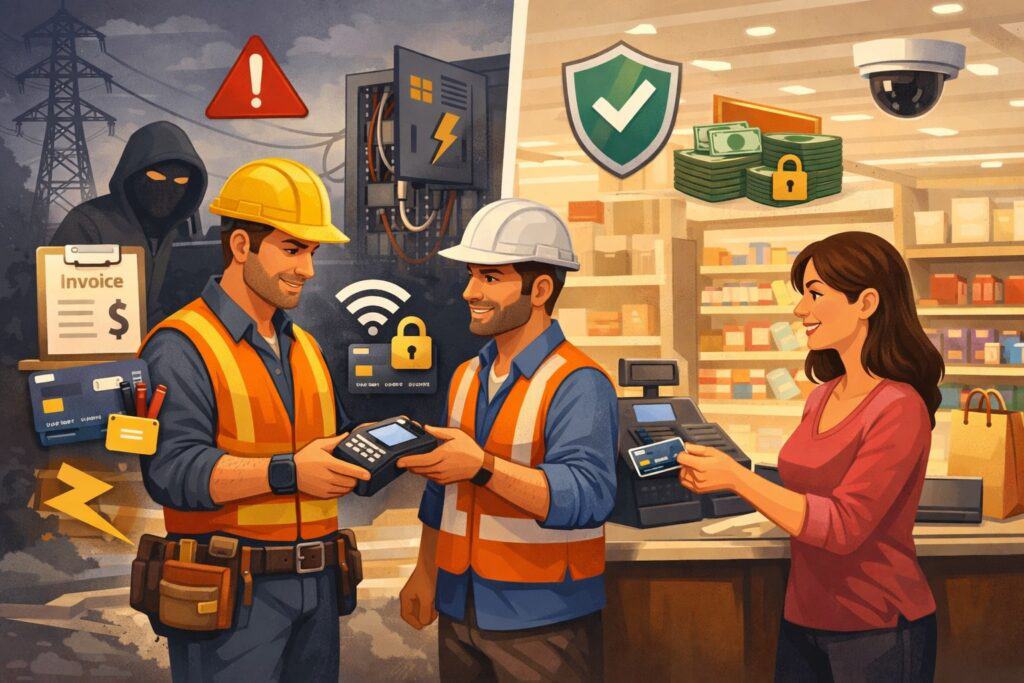
When customers pay at a counter, the business controls the environment: stable Wi-Fi, fixed terminals, cameras, and consistent staff training. On-site electrical payments are different.
You may be processing payments in a basement with weak signals, on a curb next to traffic, or in a mechanical room where your tech’s attention is split between safety and customer questions. Fraudsters and opportunists prefer that “messy” environment.
One major risk is card-present fraud and disputes. If your technician accepts a swipe when the chip or contactless option is available, you may be taking on more liability.
Over time, payment networks pushed chip adoption through liability shifts, which moved certain counterfeit fraud costs to the party using less secure acceptance methods. While the details vary by network and situation, the general message is consistent: modern acceptance methods reduce counterfeit risk, and older methods can increase your exposure.
A second risk is data exposure through improvised tools. Some field teams still use consumer-grade card readers, personal phones, or unapproved apps.
That’s dangerous because card data can be intercepted if the device is compromised, if the app isn’t built for secure acceptance, or if employees copy payment details into notes “just for later.” Strong secure payment tips start with a rule: card data must never be stored, texted, photographed, or written down.
A third risk is chargebacks related to service work. Electrical jobs can be complex: estimates change after opening a wall, customers may misunderstand code requirements, and timelines can shift due to parts availability.
Those realities can lead to “services not as described” or “unauthorized” disputes even when you did great work. The right secure payment tips reduce disputes by improving documentation, proof of authorization, and communication.
Finally, there’s device and identity risk. A technician’s device can be lost, stolen, or infected. A customer can claim they never approved the payment. A scammer can pretend to be the property manager.
With on-site electrical payments, you’re not just protecting data—you’re protecting the entire chain of trust from quote to signature to receipt. Applying secure payment tips at each step is what makes the system resilient.
Secure payment tips start with choosing the right payment method for the job type
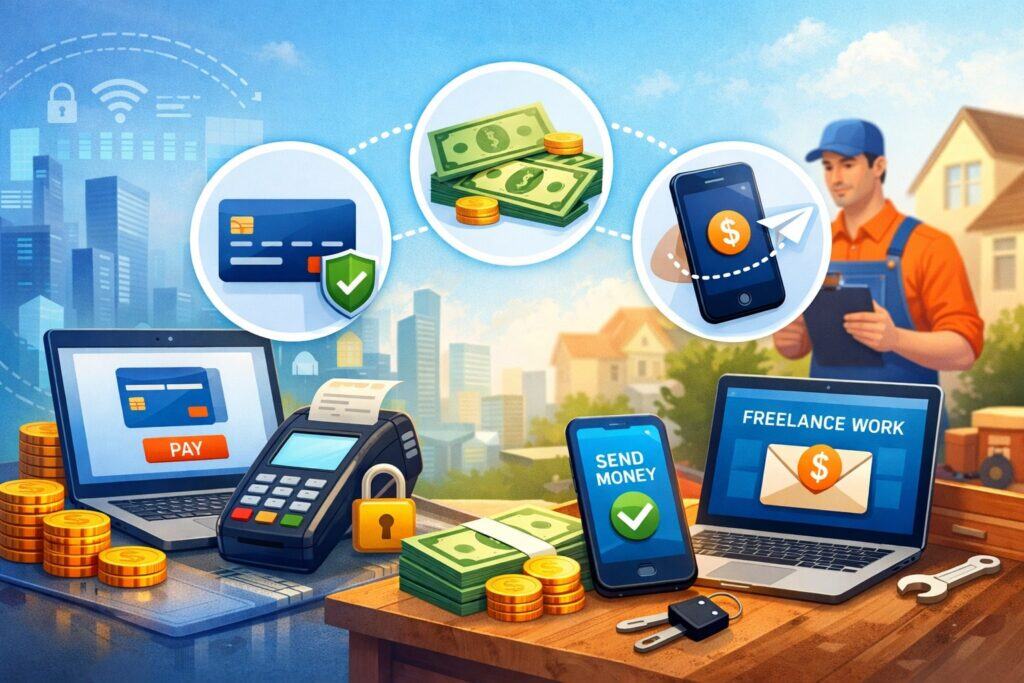
Not every on-site electrical payment should be processed the same way. A $129 service call, a $1,800 panel replacement, and a $30,000 commercial project all have different risk profiles. The right secure payment tips begin with matching payment method to job type so you can reduce fraud and disputes while keeping it convenient for customers.
For quick residential jobs, contactless and chip card acceptance are usually the safest card-present methods. They reduce reliance on magnetic stripe data and generally lower counterfeit fraud exposure compared to swipes.
If you’re still swiping in the field, one of the most important secure payment tips is to upgrade to an EMV-capable reader and train technicians to avoid swiping unless it’s truly necessary.
For larger projects, consider invoice-based payments with a hosted payment link, especially for deposits and progress payments. Hosted pages keep sensitive data away from your technicians’ devices because the customer enters details directly into a secure checkout. This is one of the strongest secure payment tips for reducing data handling in the field.
For repeat customers—like property managers—secure recurring billing can reduce late payments and awkward follow-ups.
But recurring billing raises authorization expectations: you need clear consent, a written schedule, and an easy cancellation path. The secure payment tips here are about transparency and documentation as much as technology.
Also consider how your method impacts customer experience. Some customers prefer tapping a phone wallet; others want a link emailed to their accounting department.
A flexible system that supports multiple secure methods is often safer because it discourages “workarounds” like taking card numbers over the phone and typing them into a personal device. In practice, the best secure payment tips reduce improvisation by making the secure option the easiest option.
Finally, avoid methods that increase your operational risk. Cash can be dangerous for technicians, checks can bounce, and “pay me through a personal app” can create accounting and compliance headaches.
If you want on-site electrical payments to be fast and safe, standardize on a small set of approved methods and embed secure payment tips into every step of your workflow.
Use EMV, contactless, and modern acceptance to reduce counterfeit and skimming risk
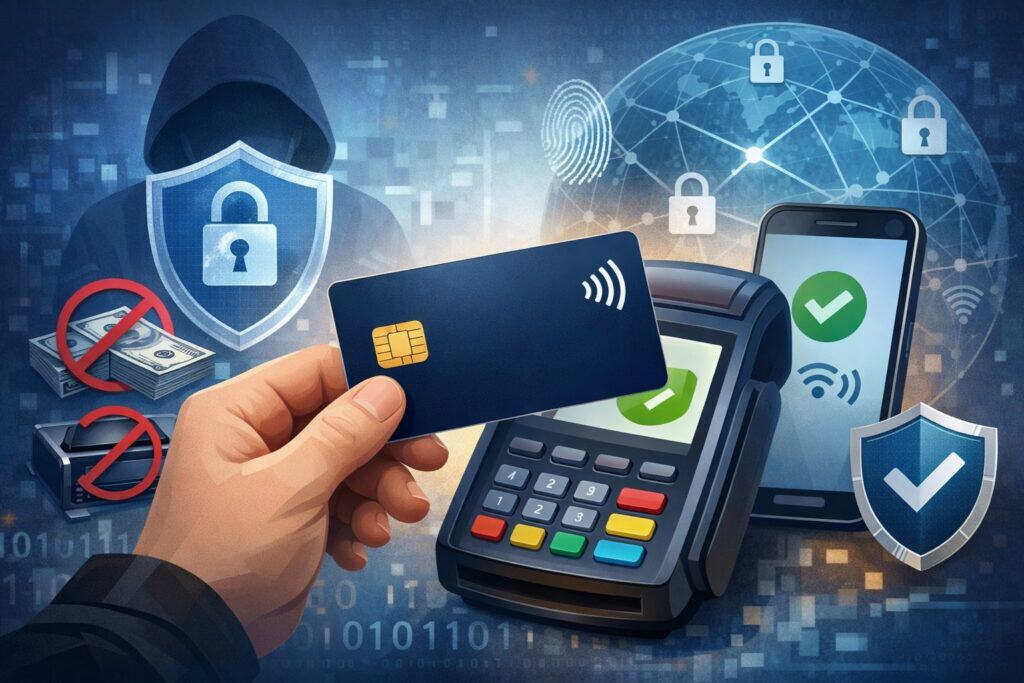
One of the simplest secure payment tips is also one of the most impactful: accept payments using modern, protected methods—chip insert and contactless tap—rather than older swipe-based workflows whenever possible. Counterfeit fraud often relies on magnetic stripe data that can be copied or skimmed. Chip and contactless transactions are designed to make that kind of data reuse much harder.
Payment networks have long encouraged EMV adoption through liability shifts. While the exact handling depends on the card brand, fraud type, and transaction details, the broader effect is that businesses relying on less secure acceptance methods can face higher exposure for certain card-present fraudulent transactions.
That’s why upgrading your field readers and training your team is not just a “nice to have”—it’s a core security and risk decision.
Here are practical secure payment tips for technicians:
- Default to tap first, then chip. Tap is quick and reduces physical handling. If the tap fails, use the chip. Avoid swipe unless the chip is unreadable and your system explicitly guides you.
- Inspect hardware daily. Skimmers can be small. Teach techs to check for loose parts, broken seals, or unusual overlays on readers.
- Keep readers on-person or locked. Don’t leave a reader unattended in a vehicle where someone can tamper with it.
- Disable “fallback” habits. If your reader supports chip and tap, technicians should not immediately swipe “because it’s faster.”
A modern trend that’s especially useful for on-site electrical payments is Tap on Phone (also called Tap to Phone), where an NFC-enabled phone becomes the acceptance device for contactless payments.
Major networks and payment standards bodies have been publishing guidance to support secure deployments of this approach.
Mastercard, for example, describes Tap on Phone as a way for NFC-enabled devices to accept contactless payments without extra peripherals, which can be ideal for field crews. Visa also provides program guidance and certification paths for solution providers building Tap to Phone offerings.
Keep card data out of your hands: reduce scope with hosted checkout and tokenization
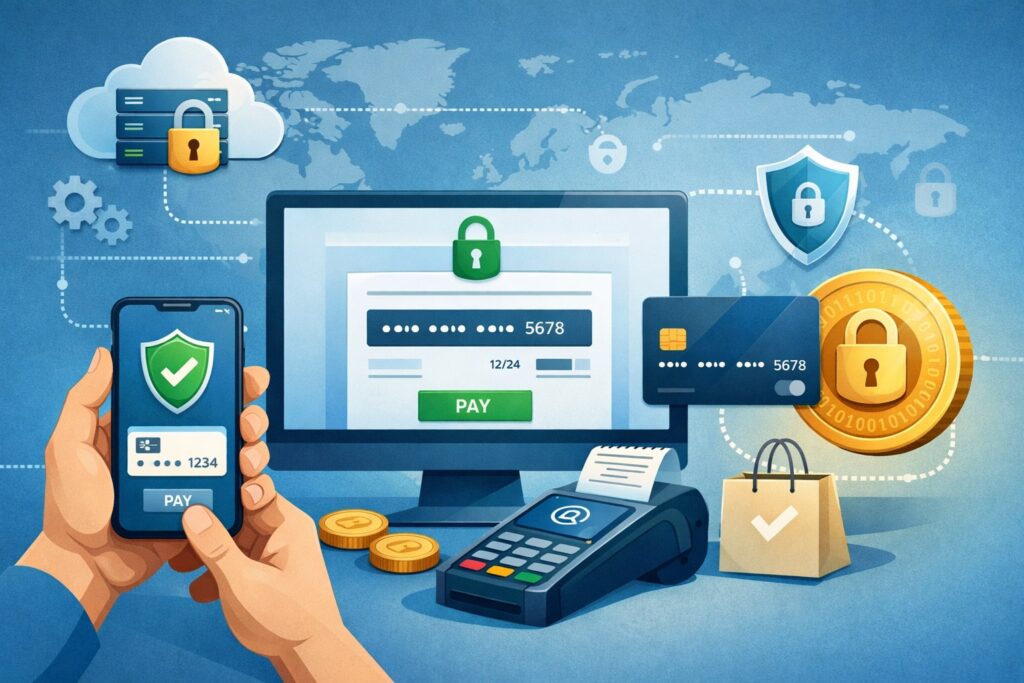
A top-tier category of secure payment tips is about “scope reduction”—structuring your workflow so sensitive card data never touches your technicians’ devices, texts, notebooks, or emails. The less card data you handle, the less you can leak, lose, or misuse—and the less you have to protect.
Hosted checkout links are one of the best tools for on-site electrical payments, especially for deposits, change orders, and balances due after inspection. Instead of taking a card number in person and typing it into a device, you send a secure link by text or email.
The customer completes payment on a hosted page that’s built to protect card data. Your technician sees the payment confirmation, not the card details.
This is where tokenization becomes a quiet hero. Tokenization replaces card data with a non-sensitive token used for future transactions, refunds, and recurring billing.
Tokens help you manage repeat work (service plans, property managers, multi-phase projects) without storing card numbers. A practical secure payment tip is to ensure your system supports tokens in a way that allows legitimate follow-on charges only with proper authorization and audit trails.
If you must key in a card number (for example, a customer insists and you can’t use a link), reduce risk with these secure payment tips:
- Use only approved, business-controlled devices and apps—not personal phones.
- Ensure the app is configured to mask PAN and prevent screenshots or copy/paste of card fields.
- Never repeat the card number out loud.
- Immediately provide a receipt and capture proof of authorization.
Modern compliance expectations also push businesses toward stronger data controls. PCI DSS v4.x introduced new and updated requirements, with a set of “future-dated” items that became mandatory after March 31, 2025 for many assessed entities.
Even if you’re completing a simplified self-assessment, the direction is clear: reduce stored data, tighten access, improve authentication, and log security events.
For on-site electrical payments, the best secure payment tips in this category are less about fancy technology and more about architecture: keep card data away from the field whenever you can. Hosted checkout plus tokenization is a proven combination for safer payments and easier operations.
Lock down field devices: phones, tablets, readers, and the “technician attack surface”
Your technicians’ devices are part of your payment perimeter. If a device is compromised, a criminal might not need to “hack your processor”—they can simply capture credentials, intercept payment flows, or social-engineer customers using your branding.
That’s why strong secure payment tips for on-site electrical payments include a device-security playbook that’s realistic for field work.
Start with ownership and control. A foundational secure payment tip is to use company-managed devices for payment acceptance. Personal devices create unpredictable risk: unknown apps, weak passwords, shared family use, and delayed updates. Company devices can be managed with policies like:
- Mandatory passcodes or biometric unlock
- Automatic lock after short idle time
- Forced OS updates and security patches
- Approved app lists and blocked risky permissions
- Remote wipe for lost/stolen devices
Next, treat the payment app like a critical system. Require unique user accounts for technicians, not shared logins. Enforce multi-factor authentication where possible. Even if you’re a small contractor, these secure payment tips reduce fraud and internal misuse. If an employee leaves, their access should be removed immediately.
Also secure the network. Field teams often rely on cellular data, which is generally safer than unknown Wi-Fi. A strong secure payment tip is to instruct technicians to avoid public Wi-Fi for payment processing. If you must use Wi-Fi (for example, a commercial site provides access), use a business-controlled secured connection and avoid “open” networks.
Physical security matters too. Card readers can be tampered with if left in vehicles, tool bags, or unsecured offices. Establish a routine: at the end of day, devices and readers come inside, are charged in a known location, and are visually inspected. This kind of daily habit is one of the most effective secure payment tips because it catches problems early.
Finally, plan for incidents. Lost device? You need a documented response: lock account, revoke tokens, reset passwords, and confirm no suspicious transactions. Many payment disputes can be reduced if you act quickly and keep clean logs.
Strong secure payment tips don’t assume nothing will go wrong—they assume something eventually will, and build a response that limits damage.
Secure payment tips for deposits, change orders, and “payment on completion” workflows
On-site electrical payments often don’t follow a single “buy now” moment. You might take a deposit to schedule work, collect a change order after discovering a code issue, and then collect a final balance after inspection passes. Each step is a chance for confusion, disputes, or fraud—unless you build a clear, repeatable process.
A key secure payment tip is to standardize how you request and document deposits. Deposits should include:
- A written scope summary
- Estimated timeline and what could change it
- What the deposit covers (materials, scheduling, permit work)
- Refund and cancellation terms
For change orders, the security risk is often authorization ambiguity. Customers may later claim they didn’t approve extra charges. Strong secure payment tips here include capturing approval in writing with:
- A short change-order form (digital is fine)
- Photos of the issue prompting the change
- The customer’s signature (or electronic approval) and timestamp
- A clear link between the change order and the invoice line item
For payment on completion, the dispute risk often comes from expectations. Customers might feel “surprised” even if the price was fair. Reduce that risk with secure payment tips like:
- A pre-completion walkthrough: what was done, what was replaced, what was tested
- Before-and-after photos (panel labels, breaker replacement, wiring condition)
- Permit/inspection notes where relevant
- A final invoice that matches earlier estimates and change orders
When collecting payment at completion, use chip/tap and provide an immediate receipt. If the customer wants to pay later, use a hosted link and set clear terms (due date, late fees if applicable, and support contact).
The more clarity you provide, the fewer chargebacks you’ll see—and fewer chargebacks is one of the biggest business outcomes of good secure payment tips.
In service businesses, “secure” also means “defensible.” If a dispute happens, your documentation should tell a coherent story: quote → approval → work evidence → change approvals → final acceptance → receipt.
These secure payment tips are not about adding bureaucracy; they are about creating a clean record that protects both you and the customer.
Prevent chargebacks and friendly fraud with proof, policies, and communication
Chargebacks are a major pain point for on-site electrical payments because services are less “visible” than physical goods.
A customer may forget to approve a change order, a spouse may not recognize the company name on the statement, or a property manager might dispute a charge due to internal accounting confusion. “Friendly fraud” can also happen—where the customer received the service but disputes anyway.
The strongest secure payment tips for chargeback prevention start before the payment:
- Use recognizable billing descriptors. If your statement name differs from your business name, customers may dispute out of confusion.
- Confirm identity when appropriate. For high-ticket work, match the payer name to the person authorizing work or document why it differs.
- Show pricing clearly. Avoid vague line items like “electrical work.” Use itemized descriptions.
During and after the job, focus on evidence. Collect proof that the service was delivered and accepted:
- Time-stamped photos and notes
- Customer signature on completion or acceptance
- Inspection pass documentation (when applicable)
- Communication logs (texts/emails confirming schedule changes or approvals)
A major secure payment tip is to create a “dispute-ready receipt.” It should include the job address, date/time, summary of work, warranty info, and customer support contact. If a customer has a question, you want them to call you—not file a dispute.
Also, build a customer-friendly resolution pathway. Many disputes happen because the customer can’t reach anyone. A simple policy—“call us within 48 hours for billing questions”—paired with fast response can reduce chargebacks dramatically.
Make it easy to issue partial refunds or credits when justified, and document them. That’s a practical secure payment tip because networks and issuers often look for signs you attempted resolution.
Finally, know that using modern acceptance methods can support your case. Card-present transactions using secure methods generally include stronger transaction data than a handwritten authorization or a manual key-entry.
Combine that with clean records and you’ll convert more disputes into wins. These secure payment tips pay for themselves by reducing lost revenue and time spent fighting chargebacks.
Train technicians with simple, repeatable rules they will actually follow
Security policies fail when they’re too complex for field reality. Your best secure payment tips will be the ones technicians can remember on a busy day. Think “rules of thumb,” not a 40-page manual.
Start by defining “non-negotiables”:
- Never write down card numbers.
- Never text or email card details.
- Never use personal payment apps for business payments.
- Always prefer tap or chip; swipe only as a last resort.
- Always provide a receipt and capture proof for major jobs.
Then teach technicians the “why” in practical terms. People follow secure payment tips when they understand the benefit: fewer angry customers, fewer disputes that come back on them, and fewer late-night calls because “the payment didn’t go through.”
Role-play common scenarios:
- The customer wants to read the card number aloud “to save time.”
- The customer asks to split payment across cards.
- The customer says their phone is dead and wants to pay later.
- The property manager wants invoice terms instead of card payment.
Give technicians scripts that keep them polite but firm: “For security, I can’t take card numbers by text, but I can send a secure payment link.” This single script is one of the highest-value secure payment tips you can deploy.
Also create an escalation path. If a tech encounters something suspicious—mismatched identity, a customer insisting on unusual payment methods, repeated declines—there should be a simple step: call the office, pause the transaction, and document the situation.
Finally, reinforce training with quick audits. Check that techs are using approved methods, that receipts are being sent, and that notes are complete. Reward compliance. The goal is not to “catch mistakes,” but to build consistent behaviors. Over time, these secure payment tips become culture, and culture is stronger than any policy document.
Compliance basics that matter for on-site electrical payments: PCI DSS, identity, and logging
Even if you’re a small service business, compliance frameworks shape the tools you use and the expectations placed on payment systems. You don’t need to memorize every standard, but you do need to understand the basics that influence on-site electrical payments—especially when you’re selecting vendors or building processes.
PCI DSS is the primary card-data security standard for businesses that handle card payments. PCI DSS v4.0 introduced updates and new requirements, and the PCI Security Standards Council noted that “future-dated” requirements in PCI DSS v4.x became mandatory after March 31, 2025 for many organizations undergoing assessment.
In plain terms, the direction is toward stronger authentication, better monitoring, improved training, and more consistent security testing.
A practical secure payment tip is to choose payment solutions that reduce your PCI scope. Hosted checkout links, tokenization, and validated mobile acceptance can keep card data away from your devices and internal systems, making compliance easier.
Identity and access also matter. Modern guidance for digital identity and authentication continues to evolve, and NIST’s digital identity guidelines were updated with SP 800-63-4, which supersedes the earlier 800-63-3 suite.
While NIST guidance is often referenced in government and enterprise contexts, it reinforces good practices for businesses too: strong authentication, secure account recovery, and avoiding weak identity proofing.
Logging is another often-overlooked area. If a dispute or incident happens, logs help you understand what occurred: who processed the transaction, on what device, from what location, and with what outcome.
A strong secure payment tip is to use payment apps that maintain audit trails, and to avoid shared technician accounts that blur accountability.
For on-site electrical payments, compliance is not just about passing a questionnaire. It’s about building a workflow where secure behavior is the default. These secure payment tips align operational reality with modern security expectations—and help you avoid painful surprises during vendor reviews, customer audits, or dispute investigations.
Secure payment tips for Tap on Phone and mobile wallet acceptance in the field
Mobile wallet usage has grown because it’s fast and convenient. For on-site electrical payments, it’s also a security upgrade when implemented correctly. Tap on Phone solutions let NFC-enabled phones accept contactless payments, potentially reducing the need to carry separate hardware.
Mastercard describes Tap on Phone as a contactless acceptance approach that can allow eligible NFC-enabled mobile devices to function as payment acceptance devices. Visa also supports Tap to Phone programs and implementation pathways for solution providers.
But “phone as a terminal” can introduce new risks if you treat it casually. The best secure payment tips for Tap on Phone include:
- Use only approved, certified solutions from reputable providers.
- Keep the phone OS updated and locked down (no rooted/jailbroken devices).
- Enforce screen locks and timeouts.
- Restrict other apps on the payment device to reduce malware risk.
- Train technicians not to accept “workarounds” like typing card numbers into non-payment apps.
One of the most important secure payment tips is to separate business functions. Ideally, the device used for payment acceptance is not the same device used for random browsing, personal messaging, or installing unknown apps. If you can’t separate devices, use mobile device management controls to enforce safe behavior.
Also be mindful of customer privacy. Technicians should angle screens away from bystanders, avoid saying cardholder details out loud, and provide receipts through secure channels. If a customer wants a receipt texted, make sure it’s a receipt—not a message containing sensitive payment data.
Tap on Phone can be a big operational win for field teams, but it works best when treated as a controlled payment endpoint. If you implement it with discipline, it becomes one of the most effective secure payment tips available: fewer devices, faster checkout, and strong security features built into modern contactless acceptance.
Future prediction: where on-site electrical payments are headed in the next 2–5 years
Payment security and customer expectations are moving quickly, and on-site electrical payments will keep evolving. The future is likely to reward businesses that build secure, flexible, low-friction payment workflows now.
First, expect wider adoption of software-based acceptance like Tap on Phone. As guidance and certification programs mature, more service businesses will use phones as acceptance devices rather than carrying dedicated readers.
The security upside is that modern phones can be updated frequently, monitored, and managed centrally—if you enforce the right controls. Mastercard’s ongoing implementation guidance reflects how seriously networks treat this channel.
Second, security standards will continue tightening. PCI DSS v4.x already pushed stronger practices, with future-dated requirements becoming mandatory in 2025 for many assessed organizations.
Even if you’re not directly assessed at the highest level, your vendors and partners will be, and their requirements will flow downstream. That means more emphasis on multi-factor authentication, better monitoring, and reduced data storage.
Third, expect more real-time payment confirmation and smarter invoicing. Customers will increasingly expect instant receipts, transparent payment status, and easy financing options. Secure hosted checkout, tokenized stored payment methods (with clear authorization), and automated reminders will become standard for service businesses.
Fourth, dispute resolution will become more data-driven. Issuers and networks will increasingly rely on rich transaction data and proof of service. That makes your documentation habits—photos, signatures, timestamps—one of the most valuable secure payment tips for the future.
Finally, customers will expect “security plus convenience.” That’s not a tradeoff; the best systems deliver both. If you adopt modern acceptance methods, reduce card data handling, lock down devices, and standardize technician behavior, you’ll be ahead of the curve. These secure payment tips won’t just protect you—they’ll make you easier to do business with.
FAQs
Q.1: What are the most important secure payment tips for technicians to remember on a job site?
Answer: If you only teach five secure payment tips, make them the ones technicians can apply under pressure. First, never collect card numbers through insecure channels—no texts, no email, no written notes, and no photos of cards.
This single habit prevents a huge percentage of real-world incidents. Second, always use a tap or chip when available. Avoid swipe unless the customer’s card truly can’t be read any other way and your system guides you through a compliant fallback process.
Third, use only approved devices and apps. A personal phone with unknown apps is not a secure payment terminal. Fourth, issue a receipt immediately and confirm the customer recognizes the billing descriptor.
Many disputes start because the statement name looks unfamiliar. Fifth, document authorization on larger jobs: signature, approval of change orders, and clear acceptance. For service businesses, proof is protection.
These secure payment tips work because they reduce improvisation. The field environment is unpredictable, so you need predictable rules. When technicians know exactly what to do in common scenarios—“I can’t take card numbers by text, but I can send a secure link”—they stay secure without friction.
Q.2: Are payment links safer than taking a card in person for on-site electrical payments?
Answer: In many cases, yes—payment links can be among the safest secure payment tips for on-site electrical payments because they reduce how much card data your team touches.
With a hosted payment link, the customer types their payment details directly into a secure checkout page rather than giving the card number to a technician. That means fewer chances for accidental exposure, fewer opportunities for someone to overhear details, and fewer risks from compromised devices.
Payment links are especially useful for deposits, change orders, and situations where the payer is not physically present (for example, a landlord paying for work at a rental). They also create a clear payment record with timestamps that can help in disputes.
The key is to use links generated through your approved payment platform, not improvised links or personal payment apps.
A good way to apply secure payment tips here is to make payment links the default for large invoices and any transaction that would otherwise require manual key-entry.
You can still accept tap/chip for convenience when the customer wants to pay immediately on-site. The safest workflow is the one that keeps card data out of your hands while making payment easy.
Q.3: How can I reduce chargebacks specifically for electrical services?
Answer: Reducing chargebacks is one of the main goals behind many secure payment tips, and electrical services have a predictable set of dispute triggers: unclear scope, surprise change orders, timeline shifts, and billing confusion. To reduce disputes, tighten the paper trail.
Start with a clear estimate that explains what could change the price—hidden damage, code requirements, permit fees, and material substitutions. Next, use change orders for anything outside the original scope.
Make the change order short, visual (photos help), and explicitly approved before work continues. Then, end with a completion summary: what was done, what was tested, what was replaced, and what the customer should expect next (inspection steps, warranty, recommended follow-up).
Also fix “descriptor confusion.” Make sure your business name is recognizable on statements and your receipt includes a phone number and email that customers can reach quickly. Many chargebacks are simply customers trying to get someone’s attention.
Finally, use modern payment acceptance. Tap/chip transactions plus strong documentation give you a stronger position when a dispute occurs. If you implement these secure payment tips consistently, you’ll see fewer chargebacks and win more of the ones that still happen.
Q.4: Do I need special compliance steps if I use Tap on Phone for on-site electrical payments?
Answer: You don’t need to become a compliance expert, but you do need to treat Tap on Phone as a real payment endpoint, not “just a phone app.”
Tap on Phone has grown because it can reduce hardware needs and speed checkout, but it must be implemented through approved, secure solutions. Mastercard and Visa publish guidance and programs around Tap on Phone/Tap to Phone, reflecting the security expectations for this acceptance channel.
The most practical secure payment tips for compliance are about control: use business-managed devices, keep them updated, enforce strong authentication, and restrict risky apps. Also ensure your provider’s solution aligns with payment-industry security standards and is designed for contactless acceptance without exposing card data.
Remember that broader payment security requirements have been modernized in PCI DSS v4.x, with future-dated requirements becoming mandatory after March 31, 2025 for many assessed organizations.
Even if your business isn’t undergoing a complex assessment, the tools you choose will reflect those requirements. The safest path is to select reputable providers, reduce card data handling, and maintain clean logs and access controls—timeless secure payment tips that keep you aligned as standards evolve.
Conclusion
On-site electrical payments don’t have to be risky. The safest businesses aren’t the ones with the most complicated rules—they’re the ones that build a simple, modern system and reinforce it until it becomes routine. That’s what strong secure payment tips really are: practical habits, supported by the right tools, applied consistently in the field.
Start with modern acceptance methods: tap and chip as defaults, swipe only as a last resort, and consider Tap on Phone where it fits. Support that with scope-reducing workflows like hosted payment links and tokenization so card data stays out of technicians’ hands.
Lock down devices, remove shared logins, and treat payment endpoints like critical business equipment. Then layer in dispute prevention: clear estimates, approved change orders, completion summaries, and receipts designed to stop chargebacks before they start.
Security standards and customer expectations will keep tightening. PCI DSS v4.x moved requirements forward, including future-dated items that became mandatory after March 31, 2025 for many assessed entities.
Digital identity guidance continues to evolve as well, reinforcing stronger authentication and better account controls. The best response is not fear—it’s preparation: implement secure payment tips now so you’re safer today and ready for what comes next.