By alphacardprocess March 8, 2026
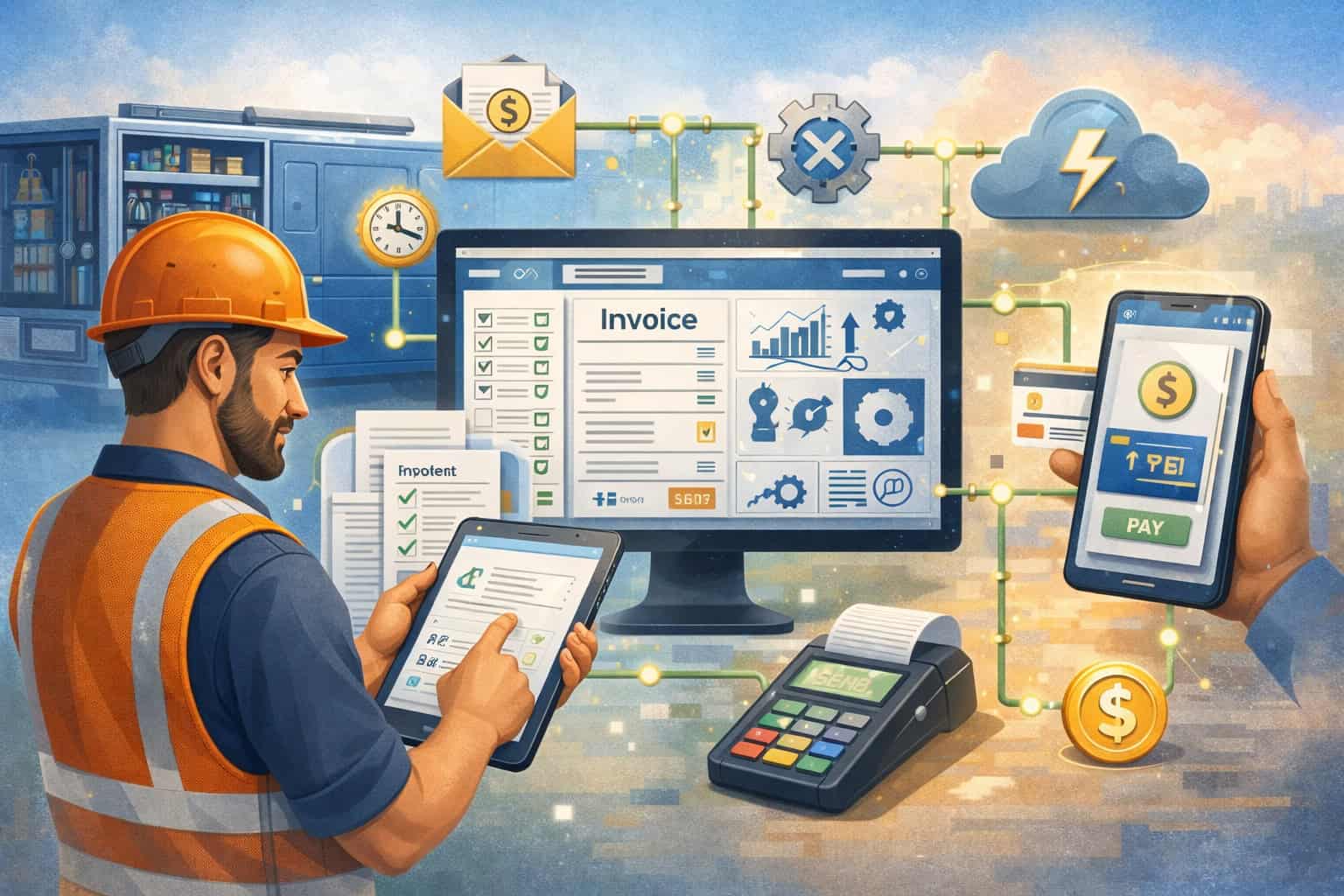
Electrical businesses do not get paid simply because the work was done well. They get paid when estimates are approved, job details are documented correctly, invoices go out on time, payment options are easy to use, and records stay accurate from the field to the office. That is where billing software integration for electricians becomes so important.
For many electrical contractors, billing problems do not start with invoicing alone. They start earlier, when customer information lives in one system, estimates in another, work orders on paper, payments in a separate processor, and accounting records somewhere else entirely.
That kind of disconnected setup creates delays, duplicate data entry, missed charges, and confusion that hurts both cash flow and customer trust.
Integrated billing systems help solve those issues by connecting the tools electricians already rely on. A good setup can link scheduling, estimates, job tracking, invoices, payment collection, accounting, and customer communication into one connected workflow.
Instead of retyping the same information multiple times, your team can move work from quote to completion with fewer mistakes and better visibility.
This article explains what electrician billing software integration actually means, why it matters, which tools are commonly connected, what features deserve close attention, and how to choose a setup that fits your business.
It also covers common problems, implementation best practices, and how integrated billing and payment software for electricians can improve both cash flow and customer experience in everyday operations.
What Billing Software Integration Means for Electricians

At its core, billing software integration for electricians means connecting billing-related tools so information flows automatically between them. Instead of running invoicing, payment processing, accounting, scheduling, and job records as separate islands, integration allows those systems to share data in a useful way.
For an electrician, that can look like an approved estimate turning into a work order, then converting into an invoice once the job is complete. It can also mean a card payment collected in the field automatically updating the customer’s balance, syncing with the accounting platform, and notifying the office that the job is closed.
The goal is not just convenience. The goal is to create a billing workflow that is faster, more accurate, and easier to manage.
This matters because electrical work often involves moving parts that affect the final bill. A simple service call may require a same-day invoice and payment link. A panel upgrade may need a deposit, change order tracking, and a final balance once the work is signed off.
A larger project may involve milestone billing, purchase tracking, and recurring maintenance invoices after the installation is complete. Without integration, those billing steps can become fragmented very quickly.
Electrician billing software integration also helps standardize the way your team handles information. Office staff, technicians, estimators, and managers all work from connected records rather than chasing updates by phone, text, or handwritten notes. That creates fewer disputes, fewer missed line items, and a clearer financial picture of every job.
How integration works in day-to-day electrical operations
In practical terms, integration connects routine tasks that already happen in your business. A customer calls for service, a dispatcher creates the appointment, a technician completes the work, materials and labor are recorded, an invoice is generated, and payment is collected.
Each of those steps involves data. When the systems are integrated, that data is entered once and reused throughout the process.
For example, customer contact information may start in a CRM or scheduling system. That same record can feed into the estimate, the service ticket, the invoice, and the payment request.
If the customer pays online, the payment status can sync back to the invoice and accounting records. This reduces manual entry and limits the chance that one team member is working from outdated information.
Integration also helps with field-to-office communication. Mobile billing software for electricians can allow technicians to update work performed, add photos, collect signatures, and send invoices from the job site.
The office then sees those updates without waiting for paperwork to come back at the end of the day. That means billing can happen faster and follow-up becomes easier.
What integration does not mean
Integration does not always mean replacing every system you already use. In some cases, it means choosing one strong platform that handles most tasks natively. In other cases, it means connecting a few specialized tools that work well together. The right answer depends on your business model, your team, and how your jobs are managed.
It also does not mean every workflow should be fully automated. Some parts of billing need review, especially for larger jobs, change orders, special pricing, or commercial accounts with specific billing terms.
Good integrated billing solutions for electricians should support automation where it helps while still giving you control over approval steps, permissions, and billing rules.
Another misconception is that integration only benefits large contractors. In reality, solo electricians and small shops often gain the most because they have less time to spend on manual admin work.
When one person is handling estimates, scheduling, service calls, invoices, and collections, even a few saved hours each week can make a major difference.
Why Integrated Billing Systems Matter for Electrical Businesses
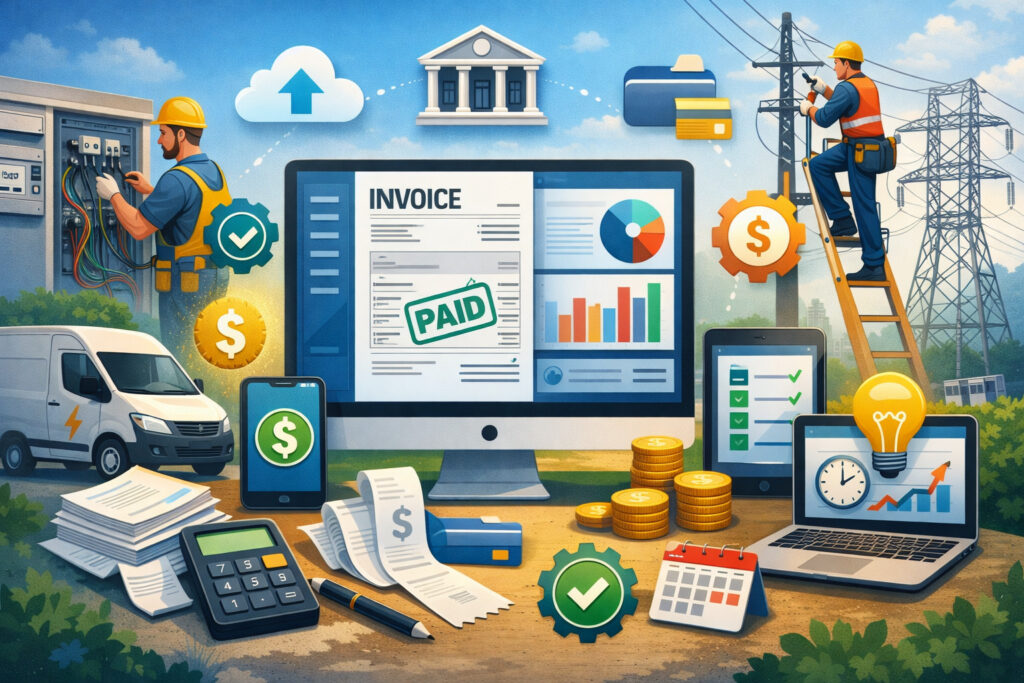
Electrical businesses are judged on more than technical quality. Customers also notice how easy it is to approve a quote, understand a bill, pay an invoice, and receive documentation after the job is complete. Integrated billing systems make those parts of the experience smoother while giving owners better control over operations.
One major reason integrated billing solutions for electricians matter is speed. Delayed invoicing often leads to delayed payment. If job details sit in a van, on a clipboard, or in a disconnected app waiting to be entered later, billing gets pushed back.
The longer that gap lasts, the more likely details will be missed or disputed. Integration shortens the time between job completion and invoice delivery, which can improve collections and reduce aged receivables.
Accuracy is another major advantage. When data has to be copied from estimates to work orders, then from work orders to invoices, then into accounting records, mistakes become almost unavoidable.
Labor hours get rounded incorrectly, materials are left off, tax settings are inconsistent, and payments are not applied properly. Electrical contractor billing software with strong integration helps create one source of truth across the business.
Integrated systems also improve visibility. Business owners need to know which jobs are billed, which invoices are unpaid, which technicians close work properly, and where cash flow may be tightening.
When those insights are trapped in separate tools, reporting becomes delayed or incomplete. Integration turns raw activity into useful business intelligence.
The operational benefits go beyond invoicing
The real value of electrician invoicing software integration is that it improves connected business functions, not just billing itself. Estimating becomes more accurate when historical job data is accessible. Dispatching improves when technicians can see outstanding balances or job notes.
Accounting becomes cleaner when invoices and payments sync automatically. Customer communication becomes more consistent when confirmations, payment reminders, and receipts are tied to the same workflow.
This kind of connected process is especially helpful in electrical businesses with mixed work types. A company may handle quick service calls in the morning, new installation work in the afternoon, and ongoing maintenance accounts throughout the month.
Each job type may require different billing rules. Integrated systems help organize those differences without forcing the office to rebuild the process each time.
There is also a staffing benefit. When billing procedures depend on one experienced office employee who knows how to work around disconnected systems, the business becomes vulnerable.
If that person is out sick, leaves the company, or simply gets overloaded, the billing process slows down. Integrated software reduces reliance on workarounds and makes training easier for new team members.
Why customer expectations make integration more important
Customers expect convenience. They want clear estimates, timely invoices, digital payment options, and records that make sense.
They may also want to pay deposits online, approve change orders electronically, or receive receipts without having to call the office. Integrated billing and payment software for electricians helps deliver that experience more consistently.
For residential jobs, a fast and professional payment process can shape the customer’s final impression of your business. A great repair experience feels less polished when the invoice arrives late or the customer has trouble paying.
For commercial work, accurate documentation and consistent invoice formatting matter even more because billing often goes through office managers, property teams, or procurement departments.
Integrated workflows also reduce awkward billing conversations. When the estimate, approved scope, job notes, and final invoice are connected, it is easier to show what was authorized and completed. That transparency supports trust and reduces disputes over price, labor, or added work.
Tools and Systems Electricians Commonly Connect
Most electrical businesses do not rely on one tool alone. They use a combination of systems for estimating, dispatching, invoicing, payment collection, accounting, and customer management.
Billing software integration for electricians works best when those systems support the way the business actually operates rather than forcing every team into an awkward process.
The first category is invoicing software for electricians. This is where job charges are turned into customer bills. Some businesses use invoicing tools built into field service software, while others use standalone billing platforms.
The key question is whether invoices can pull in job data automatically and whether payment status updates flow back into the rest of the system. Without that, invoices may still require manual re-entry.
The second category is payment processing. Electrician payment processing software should support the ways customers prefer to pay, including card payments, ACH, payment links, online portals, or in-person mobile payments.
Integration matters because payment activity should update invoices, customer balances, and accounting records automatically. If payments are captured in one place but reconciled manually in another, the business loses much of the efficiency integration is supposed to create.
Accounting software is another common connection point. Accounting software integration for contractors allows revenue, tax, payment, and customer data to sync into the bookkeeping system. This reduces duplicate work and helps keep financial reporting accurate.
For many electrical businesses, accounting integration is one of the most important parts of the stack because it affects tax reporting, bank reconciliation, and profit visibility.
Field service, CRM, and job management platforms
Many electrical contractors use field service management or job management and billing software to handle scheduling, dispatching, work orders, estimates, and technician activity.
These tools often serve as the operational center of the business. When integrated properly, they connect the office and the field so completed work can move quickly into billing.
CRM systems also play a role, especially for companies that handle a high volume of leads, repeat clients, service agreements, or larger projects. A CRM can store customer history, communication records, and sales activity.
When it connects to billing, office staff can see account balances, approved estimates, and past invoices without switching between disconnected platforms.
Mobile apps are increasingly essential as well. Mobile billing software for electricians lets technicians document completed work, add materials, capture signatures, and send invoices before leaving the site.
That is particularly helpful for service businesses where collecting payment at the time of service improves cash flow and reduces follow-up effort.
Customer communication tools are another useful piece of the puzzle. Appointment reminders, invoice notifications, payment confirmations, and overdue notices can all work better when integrated with billing. The customer receives timely messages based on real account activity instead of one-off manual emails.
Specialized tools for deposits, recurring work, and project billing
Not all electrical businesses bill in the same way, so the right integration may also include specialized capabilities.
For example, contractors doing larger installations may need tools that handle deposits, draw schedules, milestone billing, or progress invoices. Those workflows should connect estimates, change orders, and payment tracking so the final invoice reflects the real scope of work.
Service-focused businesses may care more about fast dispatch-to-payment workflows. In those cases, integrated billing solutions for electricians should support flat-rate pricing, technician upsells, same-day invoicing, and mobile payment acceptance.
The faster the service call can move from completion to payment, the healthier the revenue cycle tends to be.
Recurring maintenance billing is another area where integration helps. If your business provides scheduled inspections, service agreements, or ongoing support for commercial customers, recurring billing features can save a significant amount of time.
Invoices can be generated on a schedule, payments can be tracked automatically, and customer records stay consistent across contract periods.
Key Features to Look for in Billing Software Integration
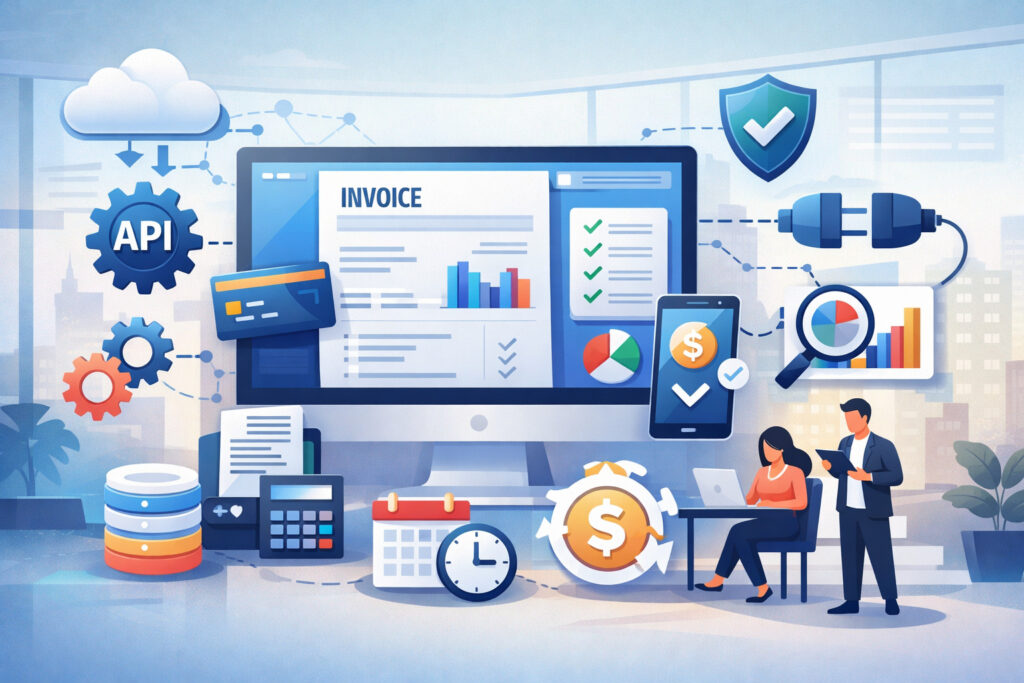
Not every platform that claims to offer electrician billing software integration delivers the same level of value. Some tools connect only at a basic level, while others create a more complete workflow from estimate to payment and accounting.
The right features depend on how your business runs, but there are several capabilities that consistently matter for electrical contractors.
Automatic invoice syncing should be near the top of the list. When job details, labor, materials, and customer information transfer directly into an invoice, the office spends less time rebuilding the bill manually.
This also helps reduce missed charges, especially on busy days when technicians finish multiple jobs and paperwork can get delayed.
Payment link integration is another important feature. Many customers prefer to pay electronically, and integrated payment options make the process easier.
The invoice should support clear digital payment methods and update automatically once the payment is received. That reduces follow-up work and gives both the customer and the office immediate confirmation.
Estimate-to-invoice workflows are especially useful in electrical work because jobs often begin with a quote or service approval.
A well-integrated system should allow approved estimates to convert smoothly into work orders and invoices without forcing the team to recreate line items. This matters for both small service tasks and larger project-based work.
Tax handling deserves close attention too. Electrical businesses often deal with taxable labor, materials, service charges, or location-based tax differences depending on how the business is structured and what kind of work is being performed.
Billing solutions for electrical contractors should help apply tax rules consistently and sync that information into accounting without extra cleanup.
Features that support field teams and growing operations
Mobile access is essential for most electricians. If technicians cannot use the system efficiently from a phone or tablet, the billing workflow will slow down. Mobile tools should let field staff review job details, add notes, attach photos, record material usage, generate invoices, and collect payment without a clunky experience.
User permissions are another important but often overlooked feature. As a business grows, different team members need different levels of access.
Office staff may need to edit invoices, technicians may need to update job information, and managers may need to review financial reports. Good permission settings help protect sensitive data while keeping the workflow efficient.
Dashboard reporting helps owners and managers understand how the billing system is performing. Useful reports may include unpaid invoices, payment collection trends, job profitability, technician closeout rates, invoice aging, and revenue by service type.
These insights are much more valuable when they pull from connected systems rather than isolated records.
Recurring billing is important for electricians who offer maintenance plans, scheduled inspections, or ongoing service contracts. Instead of building those invoices manually each cycle, the system should create them automatically and track whether they are paid on time. That brings more predictability to the revenue cycle.
Features that reduce friction for customers and office staff
Customer-facing convenience should not be treated as an extra. A billing system that makes life easier for your team but frustrates customers will still create collection issues. Look for software that supports professional invoice formatting, clear itemization, easy payment links, stored payment options where appropriate, and fast receipt delivery.
Document connections are also valuable. If your software can keep estimates, approvals, work orders, invoices, payment records, and notes together, your team can resolve questions faster. That helps when a customer asks about a deposit, a change order, or what was included in the final bill.
Accounting integration is another non-negotiable feature for many businesses. Invoicing and billing software for electrical contractors should ideally sync customer data, invoices, payments, tax details, and credits with the bookkeeping platform. That reduces manual reconciliation and helps finance records stay clean month after month.
How to Choose the Right Billing Integration Setup
Choosing the right billing software integration for electricians starts with understanding your business, not the software demo.
A platform can look polished and still fail in real use if it does not match your service model, field workflow, office process, or customer payment habits. The most effective approach is to evaluate software through the lens of your day-to-day operations.
Start with business size and structure. A solo electrician may need an easy mobile-first system that handles estimates, invoices, and payments in one place. A growing shop may need stronger scheduling, dispatch, team permissions, and accounting sync.
A multi-technician electrical contractor may need broader job management, recurring billing, reporting, and workflow controls across several roles.
Your service model also matters. If you mostly handle residential service calls, speed and simplicity may be the priority. You may need same-day invoicing, text-to-pay options, and easy technician closeout tools.
If you do larger installation work, deposits, staged billing, approvals, and project tracking will likely matter more. If you handle recurring commercial service, contract billing and account-level reporting may move to the top of the list.
Payment preferences should also guide the decision. Some businesses collect most payments in the field, while others invoice later through the office. Some customers prefer cards, while others use ACH or pay on set terms.
Your payment integration for electricians should support the methods that match your customers and your cash flow goals.
What solo electricians should prioritize
Solo operators usually benefit most from simplicity and mobility. The ideal setup often combines scheduling, estimates, invoices, and payment collection in a single streamlined platform. A system that is too complex can create more admin work instead of less.
Look for fast estimate creation, easy invoice conversion, mobile signatures, and field payment acceptance. You should be able to finish a service call, send the invoice, and take payment without returning to the office or logging into multiple systems. Customer records should stay organized so repeat clients are easy to manage.
Cost structure matters too. Solo electricians should watch for hidden fees tied to users, payment processing, integrations, or premium features that are required for essential workflows. The software should support growth, but it should also make sense for your current volume and staffing.
What growing shops and multi-technician teams should prioritize
As the team grows, coordination becomes just as important as billing itself. Electrician billing software integration for a growing shop should connect dispatch, job status, technician notes, invoicing, and accounting so the office is not constantly chasing updates. User permissions, job costing visibility, and reporting become more valuable at this stage.
Multi-technician businesses also need consistency. Different technicians should not close jobs in completely different ways if billing depends on their documentation. The system should support standardized workflows for labor entry, materials, photos, signatures, and invoice approvals. That helps keep billing accurate across the team.
Commercial and project-focused contractors may need a more layered setup. They often require customer-specific billing terms, deposit tracking, milestone invoices, and stronger links between estimates, change orders, and accounting. In those cases, it is worth choosing a system that handles complexity well, even if setup takes longer at the beginning.
Common Billing Integration Challenges and How to Solve Them
Even good software can disappoint when the setup is poor, the workflow is unclear, or the business expects integration to fix deeper process problems on its own. That is why it helps to understand the most common billing integration challenges before you commit to a platform.
One common issue is duplicate entries. This happens when systems are only partially connected or when staff continue using old workarounds after new tools are introduced. A technician may enter job details in one app while the office rebuilds the invoice elsewhere.
The result is wasted time and more opportunities for mismatched records. Solving this requires clear workflow ownership and choosing integrations that truly sync the data your team needs.
Disconnected systems are another frequent problem. A payment processor may not sync with invoicing. A scheduling tool may not pass job details to billing. Accounting records may need manual cleanup at the end of the week.
These gaps may not show up during a polished demo, which is why real workflow testing matters. Ask how the software handles common billing actions in practice, not just in theory.
Mobile usability can also become a major friction point. If technicians cannot quickly update job notes, add materials, or collect payment from the field, billing will still lag behind.
Many systems claim to be mobile-friendly, but that does not always mean the app is efficient under real job site conditions. Field staff should be part of the evaluation process whenever possible.
Data sync issues, training gaps, and workflow confusion
Data sync problems can damage trust in the system very quickly. If invoices do not update after payment, customer balances appear incorrect, or job records fail to match accounting entries, the team may stop relying on the software.
This often happens when integrations are not configured correctly or when the business assumes default settings will match its workflow automatically.
The solution is careful setup and validation. Map which fields need to sync, decide which system is the source of truth for each type of data, and test real scenarios before going live. That includes partial payments, credits, taxes, deposits, and canceled jobs. Integration is only helpful when the data is dependable.
Training gaps are another major problem. Office staff may understand the billing process, while technicians may not understand how their notes affect invoicing.
Or technicians may use the mobile tools correctly, but office staff may override the workflow by entering invoices manually. Training should explain not just how to use the software, but why the process is built that way.
Workflow confusion often appears during the transition period. Team members may ask when an estimate becomes a job, who approves an invoice, or how payment issues are handled. Those questions need documented answers. A better system still needs a clear internal process.
Hidden costs and unrealistic expectations
Software costs are not always limited to the monthly subscription. There may be onboarding fees, payment processing costs, support upgrades, API charges, integration limits, or add-on modules for features you assumed were included. That does not mean the platform is a bad fit, but it does mean you should review the full cost of ownership before deciding.
Another challenge is expecting software to solve collection issues that are really policy issues. Integration can help invoices go out faster and make payment easier, but it will not fully fix weak deposit policies, unclear payment terms, inconsistent job documentation, or delayed follow-up. The business still needs sound billing practices.
Some businesses also underestimate the adjustment period. Even a strong integrated billing system may cause temporary slowdowns while staff learn the workflow. That is normal. The key is to roll out the system with enough planning and support that the disruption stays manageable.
Best Practices for Implementing Billing and Payment Integrations
A successful rollout of billing and payment software for electricians depends as much on process planning as software selection. Businesses that implement too quickly often end up recreating the same inefficiencies inside a new system. The better approach is to treat implementation as a workflow improvement project, not just a software installation.
Start by documenting your current process. Identify how leads become estimates, how jobs are scheduled, how labor and materials are tracked, when invoices are created, how payments are collected, and how records are sent to accounting.
This step helps you see which parts of the process are solid and which parts create delays or mistakes. Without that visibility, it is easy to automate problems instead of fixing them.
Next, define your future workflow clearly. Decide which system will own customer records, where estimates are built, when invoices are generated, how technicians close jobs, and how payment activity syncs into accounting. Good implementation depends on clear answers to those operational questions.
It is also wise to phase the rollout. Instead of changing every workflow at once, start with one core process, such as estimate-to-invoice or field payment collection. Once the team is comfortable and the data is syncing correctly, add more functions. This reduces stress and makes it easier to spot issues early.
Set up the system around real electrical workflows
Electrical businesses often have billing needs that differ by job type, so implementation should reflect that reality. A service call, a panel replacement, a tenant improvement job, and a recurring maintenance visit may all move through billing differently. The system should be configured with those differences in mind.
For example, service work may need fast invoice generation and same-day payment capture. Installation work may need deposit requests and milestone billing.
Commercial accounts may need purchase order references, account-specific terms, or consolidated monthly invoicing. If you ignore those differences during setup, staff will create workarounds later.
Use a small set of real jobs to test the system before full deployment. Build an estimate, convert it into a job, track labor and materials, send the invoice, take payment, and review what reaches accounting.
Do this for both residential and commercial examples if your business handles both. That kind of testing is far more useful than relying on sample demo data.
Train the team and create accountability
Implementation works better when each role understands what is expected. Technicians need to know how to complete job closeout correctly. Office staff need to know when to review, edit, and send invoices. Managers need to know which reports to monitor and how to catch workflow breakdowns early.
Create simple internal rules. Decide when technicians must finish notes, how material usage is entered, who handles invoice exceptions, and how failed payments are followed up. These do not need to be overly formal, but they do need to be consistent enough that everyone follows the same billing process.
It also helps to assign ownership. Someone should be responsible for integration settings, sync monitoring, user permissions, and vendor communication if issues arise. Without ownership, small problems can linger until they disrupt billing or confuse the accounting records.
How Integrated Billing Improves Cash Flow and Customer Experience
Cash flow and customer experience are closely linked in electrical service businesses. When billing is delayed, unclear, or difficult to pay, revenue slows down and customer satisfaction often suffers.
Integrated billing software helps on both fronts by shortening the time to invoice, reducing billing friction, and creating a more professional experience from start to finish.
The biggest cash flow improvement usually comes from speed. When completed work turns into an invoice quickly, there is less lag between labor performed and money collected.
This is especially important for service-based electricians who handle many smaller jobs each week. Delays on dozens of small invoices can quietly create major pressure on cash flow even when the schedule looks busy.
Integrated systems also help reduce leakage. When labor, materials, fees, and approved add-ons flow directly from job records into invoicing, fewer billable items are missed. That improves revenue capture without raising prices.
It also helps owners understand job profitability more clearly because the billing records are closer to the actual work performed.
Payment collection becomes easier too. Payment integration for electricians makes it simpler to send digital payment links, accept field payments, track deposits, and apply payments to the correct invoice automatically. That reduces back-and-forth with customers and shortens collection cycles.
Better customer experience leads to smoother payment behavior
Customers are more likely to pay quickly when the process feels organized and professional. A clear estimate, a documented scope, a timely invoice, and easy payment options all contribute to confidence. Even when the bill is larger than expected, strong documentation can help the customer understand why.
Residential customers often appreciate speed and convenience most. They want the work completed, the invoice delivered promptly, and the payment process to feel straightforward. A technician who can finish the job, review the invoice on-site, and offer a digital payment option creates a smoother final interaction.
Commercial customers often care more about consistency and documentation. They may need invoices formatted a certain way, tied to specific locations, departments, or purchase orders. Integrated billing solutions for electricians help support those requirements without forcing the office to gather details from multiple systems after the fact.
Support for deposits, milestone billing, and recurring maintenance
Cash flow benefits become even more important in larger jobs. Deposits help fund materials and protect the schedule, but only if they are requested, tracked, and applied correctly. Integrated systems help ensure deposits are connected to the right estimate and reflected properly in the final invoice.
Milestone billing is another area where integration matters. When larger electrical jobs are billed in stages, the business needs clear visibility into what has been invoiced, what remains, and whether payments are current. A disconnected system can make that difficult to track, especially if multiple team members are involved.
Recurring maintenance invoicing also supports more predictable revenue. If your business provides scheduled inspections, preventative service, or contract-based support, automated invoicing for electrical contractors can reduce administrative work and improve consistency.
Customers receive invoices on schedule, the office spends less time building them manually, and revenue forecasting becomes more reliable.
Frequently Asked Questions
Q.1: What is billing software integration for electricians?
Answer: Billing software integration for electricians is the process of connecting invoicing, payments, job tracking, scheduling, accounting, and customer records so they work together instead of separately. The goal is to reduce manual entry, speed up invoicing, improve payment collection, and keep records accurate across the business.
For an electrical contractor, this often means turning approved estimates into work orders, completed jobs into invoices, and collected payments into synced accounting records. A strong setup helps both field teams and office staff work from the same information.
Q.2: Do solo electricians really need integrated billing software?
Answer: Yes, many solo electricians benefit significantly from integration because they handle both field work and administrative tasks. When one person is estimating, invoicing, scheduling, and collecting payment, even small inefficiencies add up quickly.
A simple integrated system can save time by reducing duplicate entry, making mobile invoicing easier, and helping payment collection happen faster. The key is choosing software that is streamlined rather than overly complicated.
Q.3: How does electrician invoicing software integration help with payment collection?
Answer: It helps by shortening the gap between completed work and sent invoices while also making it easier for customers to pay. Integrated systems can include payment links, mobile card acceptance, ACH options, automatic balance updates, and payment reminders tied directly to the invoice.
That removes friction for customers and reduces manual follow-up for your team. In many cases, easier payment access leads to quicker collections.
Q.4: What features matter most for electrical contractors?
Answer: The most important features depend on the type of work you do, but common priorities include estimate-to-invoice conversion, automatic invoice syncing, mobile access, payment integration, accounting sync, recurring billing, tax handling, and reporting.
Electrical businesses that handle larger projects may also need deposits, milestone billing, and change order tracking. Service-focused companies may care more about same-day invoicing and field payment collection.
Q.5: Can integrated billing software support both residential and commercial jobs?
Answer: Yes, but the software should be evaluated carefully to make sure it supports both workflows well. Residential jobs often require faster service-call billing and convenient customer payment options. Commercial work may need account-based billing rules, documentation, approval trails, and more structured invoicing terms.
The best billing solutions for electrical contractors can handle both without forcing the team into manual workarounds.
Q.6: Will integration automatically eliminate billing mistakes?
Answer: Not completely. Good integration reduces many common errors by eliminating duplicate entry and improving data consistency, but it still depends on proper setup and team habits. If technicians enter incomplete job notes or staff bypass the workflow, mistakes can still happen.
That is why training, role clarity, and process reviews matter alongside software selection. Integration is most effective when the business also strengthens its billing procedures.
Q.7: How long does it take to implement a billing integration setup?
Answer: The timeline depends on how many systems are involved and how complex your workflows are. A solo electrician using a single all-in-one platform may get up and running fairly quickly. A multi-technician business connecting job management, payments, and accounting may need a more structured rollout.
The most successful implementations usually start with one core workflow, test it with real jobs, then expand gradually. A measured rollout often leads to better adoption and fewer disruptions than trying to launch everything at once.
Conclusion
The best billing software integration for electricians is not the one with the most features. It is the one that fits the way your business estimates jobs, dispatches work, tracks labor and materials, sends invoices, collects payment, and maintains clean records from the field to the office.
For some electricians, that means a simple mobile-friendly system that handles service calls, invoicing, and payment collection in one place. For others, it means a broader connected stack that links field service management, accounting, CRM, and recurring billing. What matters most is that the workflow supports real operations rather than creating extra steps for your team.
Strong integration can help electrical businesses invoice faster, reduce manual mistakes, improve cash flow visibility, and make payment easier for customers. It can also support better reporting, cleaner accounting, and a more professional customer experience across both residential and commercial work.
As you evaluate options, focus on practical fit. Look at your actual job types, your office process, your field workflow, and the way your customers prefer to pay. When your billing system is connected in the right way, it does more than send invoices. It helps your entire business run with more consistency, confidence, and control.