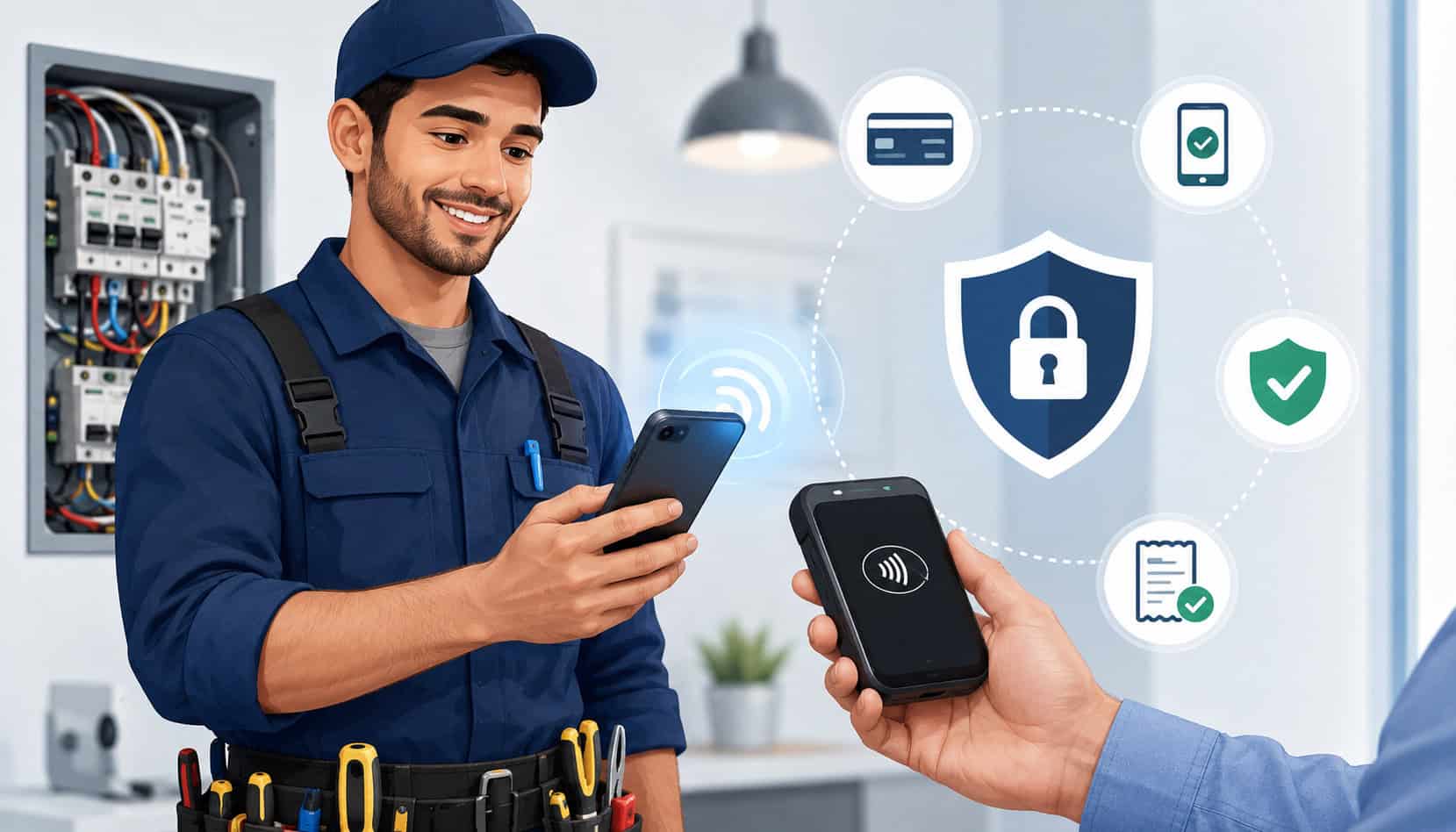
Electricians need to collect payments in real working conditions: driveways, service panels, commercial sites, emergency calls, remodels, tenant buildouts, generator installs, and maintenance visits.
That makes payment flexibility important, but security matters just as much. The best secure mobile payment systems for electricians help you accept payments quickly without exposing customer card data, relying on paper notes, or chasing unpaid invoices after the job is done.
A modern payment setup can support deposits, final balances, service call fees, change orders, and recurring maintenance plans. It can also help your team send online invoices, payment links, digital receipts, and jobsite payment confirmations from a phone, tablet, or portable terminal.
Electrician customers often want convenient options. Some prefer cards. Some prefer ACH for larger invoices. Others want contactless payments, mobile wallets, or a secure link they can pay after reviewing the invoice. For electrical businesses, the goal is not just getting paid faster. It is getting paid in a controlled, documented, and professional way.
What Are Secure Mobile Payment Systems for Electricians?
Secure mobile payment systems for electricians are tools that allow electrical professionals to accept and manage payments outside a traditional office. Instead of waiting for mailed checks or manually entering card details later, electricians can collect payments in the field using a mobile app, card reader, virtual terminal, payment link, or online invoice.
These systems are useful for service calls, emergency repairs, installation deposits, panel upgrades, lighting projects, EV charger work, commercial maintenance, and other jobs where payment timing matters. A technician can complete the work, review the invoice with the customer, accept payment, and issue a receipt before leaving the site.
A strong setup may include:
- Mobile card readers for chip, swipe, and tap payments
- Contactless payments through mobile wallets
- Payment links sent by text or email
- Online invoices with itemized job details
- ACH options for larger balances
- Customer records and transaction history
- Digital receipts and payment confirmations
- Refund and permission controls
- Reporting for reconciliation
For more context on field-based payment options, this guide on mobile payment options for electricians is a useful related resource.
The most important word is “secure.” A basic payment app may let you collect money, but secure payment solutions for electricians should reduce risky habits such as writing card numbers on paper, sharing logins, accepting payments through personal accounts, or sending vague invoices with little job detail.
Why Mobile Payment Security Matters for Electrical Contractors
Payment security matters because electrical contractors often handle payments in fast-moving situations. A customer may pay after an emergency repair late in the day. A property manager may approve a large invoice remotely. A technician may collect a deposit before ordering materials. Each of these moments creates risk if the business does not have a secure process.
A secure payment workflow protects customer card data, reduces fraud exposure, improves documentation, and helps prevent disputes. It also makes the business look more professional.
Customers are more likely to trust an electrician who sends a clean invoice, accepts secure card processing, and provides a digital receipt than one who asks for card details over the phone or writes payment information on a work order.
Payment security also supports better internal controls. Owners can limit who can issue refunds, see customer data, change invoice amounts, or access reports. This is especially important for growing electrical businesses with multiple technicians, office staff, subcontractors, or sales representatives.
The PCI Security Standards Council states that PCI DSS applies to entities that store, process, or transmit cardholder data, including merchants and service providers involved in payment card processing. That makes secure workflows important for any business accepting card payments.
| Security Feature | What It Does | Why It Matters |
| Encryption | Scrambles payment data during transmission | Helps protect sensitive information during payment |
| Tokenization | Replaces card data with a secure token | Reduces exposure if systems are accessed improperly |
| EMV chip acceptance | Reads chip cards through secure terminals | Helps reduce counterfeit card risk |
| Contactless acceptance | Supports tap-to-pay and mobile wallets | Creates a faster, lower-contact payment experience |
| Payment links | Lets customers pay through a secure checkout page | Avoids taking card details by phone or paper |
| Role-based permissions | Limits what each user can access | Helps prevent internal misuse and mistakes |
| Digital receipts | Confirms payment details instantly | Creates records that help reduce disputes |
| Fraud monitoring | Flags suspicious payment activity | Helps identify unusual transactions early |
Mobile Card Readers and Contactless Payments
Mobile card readers let electricians accept card payments directly at the jobsite. A technician can connect a reader to a phone or tablet, use a standalone portable terminal, or use tap-to-pay features where supported. These tools are often used for service call fees, troubleshooting charges, small repairs, and final balances after installation work.
The most secure mobile POS systems for electricians support chip and contactless payments. Chip cards are generally safer than old swipe-only methods because they create transaction data that is harder to counterfeit.
Contactless payments, including mobile wallets, can also be convenient because the customer taps a card or device instead of handing over payment details.
Portable terminals are especially helpful when technicians work in areas where customers expect a familiar checkout experience. A professional-looking terminal can display the amount, prompt for payment, and send a receipt immediately. That creates a cleaner experience than manually keying in card numbers later.
Pro Tip: Use manual card entry only when needed. Card-present payments through chip or tap usually create stronger transaction records than typed card details.
Payment Links and Online Invoices
Payment links and online invoices are ideal when the customer is not physically present or needs time to review charges. For example, a property owner may approve work remotely, a manager may need to pay from the office, or a homeowner may want a spouse to review the final invoice before paying.
With payment links, the electrician sends a secure checkout link by email or text. The customer enters payment information on the secure payment page instead of sharing card numbers over the phone. This helps reduce mistakes, improves privacy, and creates a better record of the transaction.
Online invoices also help electrical contractors explain what the customer is paying for. The invoice can include labor, parts, permits, trip fees, emergency service charges, deposits, discounts, and taxes where applicable. This level of detail helps customers feel informed and reduces the chance of confusion later.
A deeper setup resource is available in this payment processing setup checklist for electricians.
Pro Tip: Avoid asking customers to send card numbers by text, email, or voicemail. A secure payment link is safer and more professional.
Digital Receipts and Transaction Records
Digital receipts are more than a courtesy. They are part of secure electrical contractor payment processing. A receipt can confirm the paid amount, payment date, invoice number, service location, technician name, payment method, and customer approval details.
Good transaction records help reduce disputes. If a customer questions a charge, the business can refer to the estimate, invoice, approval, payment confirmation, and receipt. When combined with photos of completed work or signed change orders, payment records create a stronger documentation trail.
Digital receipts also help with internal accounting. The office can match payments to invoices, technicians, job numbers, and deposits without sorting paper slips or handwritten notes. This makes daily reconciliation faster and more accurate.
Key Security Features to Look For
Secure payment solutions for electricians should include more than the ability to accept cards. They should help protect customer data, control employee access, reduce fraud risk, and support clean business records. When comparing electrician mobile payment processing options, look for tools designed around both convenience and security.
Encryption and tokenization are core features. Encryption helps protect data as it moves through the payment process. Tokenization helps prevent stored payment references from exposing the actual card number. Together, these features reduce risk for both the customer and the contractor.
PCI-aware workflows are also important. A secure system should help your business avoid unnecessary handling of sensitive card data. For example, payment links and hosted checkout pages can keep card entry in a controlled environment instead of having staff write down or manually store payment information.
Other useful security features include:
- Unique user logins for each technician
- Multi-factor authentication where available
- Role-based permissions
- Refund approval controls
- Device lock requirements
- Transaction alerts
- Fraud monitoring
- Secure receipt delivery
- Audit logs
- Daily reporting
For businesses comparing provider types, this guide to credit card processing for electricians can help explain how processing tools fit into daily electrical operations.
Protecting Customer Card Data
Electricians should never write down card numbers, store card details in notebooks, save card photos, or keep payment information in text messages. These habits are risky because they create uncontrolled copies of sensitive data. Even if the intention is convenience, manual card storage can expose both the customer and the business.
A secure system should allow the customer to enter payment details through a card reader, payment link, online invoice, or secure checkout screen. Staff should not need to see or store the full card number. If recurring payments are needed for maintenance agreements, the system should use secure stored payment methods instead of manual records.
Protecting card data also means protecting devices. Phones, tablets, and terminals should require passcodes, stay updated, and be used only by authorized staff. If a technician leaves the company, their access should be removed promptly.
Preventing Fraud and Chargebacks
Fraud and chargebacks are not only retail problems. Electrical contractors can face disputes over deposits, emergency service charges, project scope, change orders, material costs, or whether work was completed as described. A secure payment system helps, but documentation is equally important.
Use signed estimates before starting work. For changes, create written change orders that show the added work and added cost. For completed jobs, send itemized invoices and include clear descriptions. Photos, timestamps, customer approvals, and digital receipts can all help support the transaction record.
Refund controls also matter. Not every technician should be able to issue refunds without approval. A clear refund policy helps prevent inconsistent decisions and protects the business from avoidable losses.
Best Mobile Payment Methods for Electricians
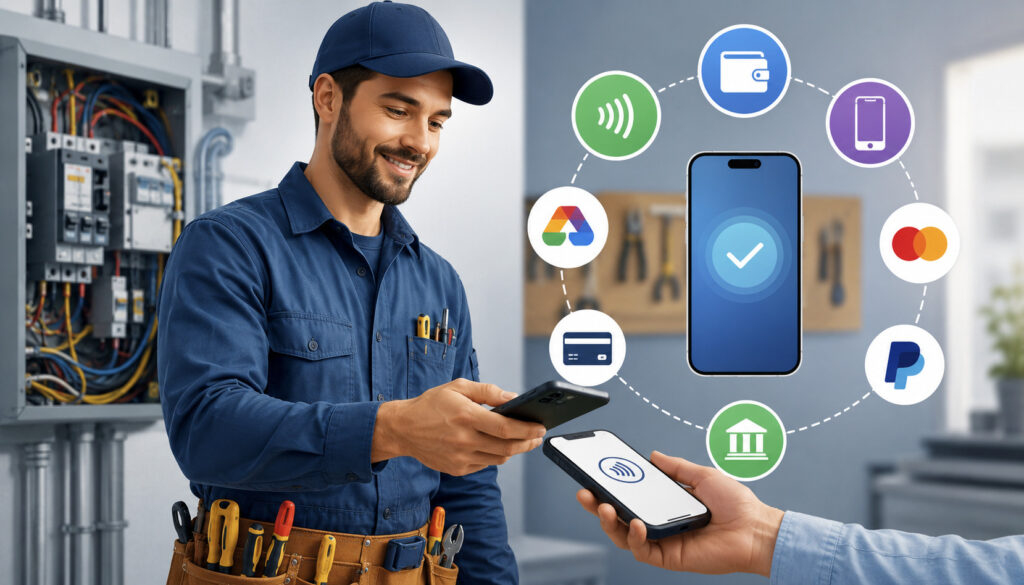
The best mobile payment systems for electrical contractors usually support multiple payment methods. Customers have different preferences, and job types vary. A small repair may be paid by card at the door. A large installation may require ACH. A commercial client may want an emailed invoice. A homeowner may prefer a mobile wallet.
Credit and debit cards are essential because they are familiar and fast. Card acceptance helps electricians collect payment at the moment work is completed. This can reduce unpaid invoices and eliminate awkward follow-up calls.
ACH can be useful for larger invoices, deposits, and commercial projects because it may offer a lower-cost option compared with some card transactions. However, ACH timing and return rules should be explained clearly to customers, especially for deposits and project scheduling.
Contactless payments and mobile wallets are useful for jobsite payments because they are quick and convenient. Customers can tap a card or device, and the technician can send a receipt immediately.
Payment links and online invoices work well for remote approvals. They are also useful when the decision-maker is not onsite. For example, a tenant may meet the electrician, while the property owner pays the invoice from elsewhere.
Recurring payments may apply to maintenance plans, service agreements, or scheduled inspections. If used, recurring billing should be authorized clearly and documented carefully.
How to Set Up Mobile POS Systems for Electricians
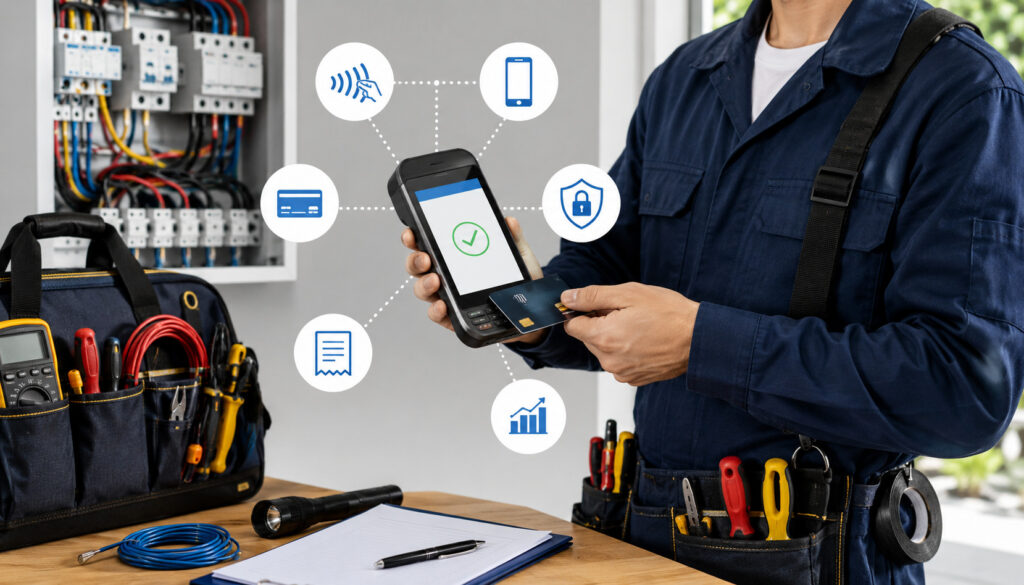
Setting up mobile POS systems for electricians should be done thoughtfully. The goal is to create a consistent workflow that every technician and office team member can follow. A rushed setup can lead to shared passwords, vague invoices, missing receipts, or inconsistent payment collection.
Start by choosing a provider that supports electrician merchant services, field payments, online invoices, card readers, ACH, and reporting. Make sure the system can handle the way your business works. Service call companies may need fast mobile checkout. Project-based contractors may need deposits, progress payments, and detailed invoices.
Next, choose the devices. Some businesses use phones with mobile card readers. Others prefer tablets or portable terminals. Consider battery life, connectivity, durability, and ease of use in real jobsite conditions.
Then build invoice templates. Include common line items such as service call fees, troubleshooting, labor, parts, materials, permits, emergency rates, deposits, and balances due. Clear templates help technicians avoid vague descriptions.
A simple setup process may look like this:
- Select a payment provider that supports field payments and invoicing.
- Choose mobile devices, readers, or terminals.
- Create invoice templates for common electrical jobs.
- Enable cards, ACH, contactless payments, payment links, and online invoices.
- Create unique logins for each user.
- Set permissions for technicians, office staff, and managers.
- Turn on security settings such as passcodes and multi-factor authentication.
- Test chip, tap, keyed, invoice, and refund workflows.
- Train staff on payment rules and receipt procedures.
- Reconcile transactions daily during the rollout.
For provider comparison and feature planning, this resource on payment processing solutions for electricians offers helpful related reading.
Common Payment Security Mistakes to Avoid
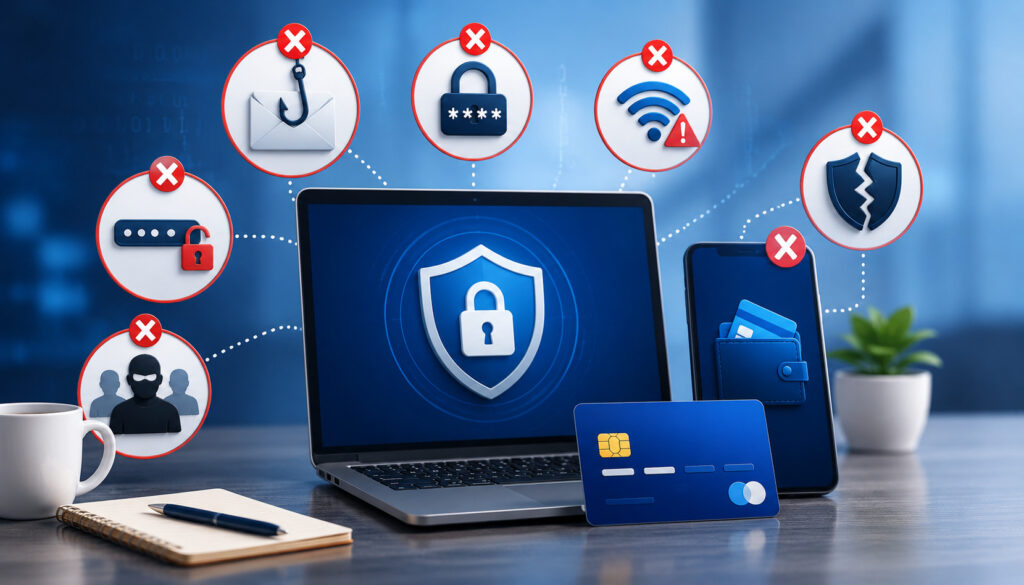
Many payment problems come from everyday shortcuts. An electrician may be busy, a customer may be in a hurry, or the office may be short-staffed. But small shortcuts can create larger risks when they involve payment data, refunds, records, or customer trust.
One common mistake is using unsecured Wi-Fi for payment activity. Public or unknown networks may create avoidable risk. Mobile data or trusted networks are usually better for field payments.
Another mistake is shared logins. If every technician uses the same account, it becomes difficult to know who accepted a payment, changed an invoice, issued a refund, or made an error. Unique user accounts create accountability.
Outdated devices are also a concern. Phones, tablets, and terminals should receive security updates. Devices used for payments should not be filled with unrelated apps, shared casually, or left unlocked in vehicles.
Manual card storage is one of the biggest mistakes. Writing card numbers on invoices, taking photos of cards, or storing payment details in messages can expose sensitive information and damage customer trust.
Other mistakes include:
- Sending vague invoices
- Failing to document change orders
- Allowing unrestricted refunds
- Not training technicians
- Skipping daily reconciliation
- Using personal payment accounts
- Forgetting to remove former employee access
- Not reviewing suspicious transactions
Best Practices for Secure Jobsite Payments
Secure jobsite payments require the right tools and the right habits. A card reader or app alone is not enough. The business needs a repeatable workflow that protects customer data, documents the sale, and gives the customer confidence.
Start by confirming payment terms before work begins. Customers should know the service call fee, deposit requirement, hourly rate, emergency charge, or estimate terms before approving the job. This helps prevent confusion at checkout.
Use itemized invoices whenever possible. Electrical work can involve labor, parts, diagnostics, permits, and change orders. When the invoice explains the charges clearly, the customer is less likely to dispute the payment later.
Accept payment through secure terminals, mobile card readers, payment links, or online invoices. Avoid taking card details by phone unless the system supports secure keyed entry and the situation requires it.
Issue a digital receipt immediately. The receipt should match the invoice and show the payment status. When possible, include the invoice number or job reference.
Reconcile payments daily. Compare completed jobs, invoices, deposits, refunds, and transaction reports. This helps catch missing payments, duplicate charges, or technician errors quickly.
Train staff regularly. Technicians should know how to accept card payments, send links, handle declined transactions, avoid storing card data, and explain receipts. Office staff should know how to monitor reports, manage refunds, and respond to disputes.
What are secure mobile payment systems for electricians?
Secure mobile payment systems for electricians are tools that allow electrical businesses to accept payments in the field or remotely while protecting customer payment data. They may include mobile card readers, portable terminals, payment links, online invoices, ACH options, and digital receipts.
The best systems also include security features such as encryption, tokenization, user permissions, secure logins, refund controls, and transaction reporting. These features help electricians get paid faster while reducing risky manual payment habits.
Can electricians accept card payments at the jobsite?
Yes. Electricians can accept card payments at the jobsite using mobile card readers, portable terminals, or supported tap-to-pay tools. These options are useful for service calls, emergency repairs, deposits, and final balances.
Card-present payments can also create a better customer experience. The customer can review the amount, pay securely, and receive a receipt before the technician leaves.
Are mobile payment systems secure?
Mobile payment systems can be secure when they use proper technology and are managed correctly. Look for encryption, tokenization, secure checkout pages, user permissions, and PCI-aware workflows.
Security also depends on business practices. Electricians should avoid writing down card numbers, sharing logins, using outdated devices, or sending card information through unsecured messages.
What payment methods should electricians accept?
Most electricians benefit from accepting credit cards, debit cards, ACH, contactless payments, mobile wallets, payment links, and online invoices. The right mix depends on job size, customer type, and how payments are collected.
For smaller service calls, cards and contactless payments are convenient. For larger projects, ACH and invoice links can be useful. For remote customers, payment links and online invoices are often the simplest option.
How do payment links help electrical contractors?
Payment links let electrical contractors collect remote payments without asking customers to provide card details over the phone, by text, or on paper. The customer receives a secure link and enters payment information through a checkout page.
This is helpful when the property owner, manager, or decision-maker is not at the jobsite. It also creates a cleaner payment record tied to the invoice.
How can electricians reduce chargebacks?
Electricians can reduce chargebacks by using signed estimates, written change orders, itemized invoices, job photos, customer approvals, digital receipts, and clear refund policies. Strong records make it easier to show what was approved, completed, and paid.
Secure card processing for electricians should also include transaction records, timestamps, and user tracking. These details can help if a customer later questions a charge.
What security features should mobile POS systems include?
Mobile POS systems for electricians should include encryption, tokenization, secure login, role-based permissions, refund controls, transaction reporting, device security, and digital receipt tools. Fraud monitoring and audit logs are also valuable.
The system should make it easy for technicians to accept payment without seeing or storing sensitive card details. It should also give owners visibility into payments, refunds, and user activity.
Should electricians use mobile payments for deposits?
Yes, mobile payments can be useful for deposits when the terms are clear and documented. Deposits may be needed for materials, scheduling, large installations, or custom work.
The deposit invoice should explain what the payment covers, whether it is refundable, and how it applies to the final balance. A digital receipt should be sent immediately after payment.
Conclusion
Secure mobile payment systems for electricians help electrical businesses collect payments faster, protect customer data, reduce disputes, and improve cash flow. They also create a more professional customer experience by supporting jobsite payments, online invoices, payment links, contactless payments, mobile card readers, and clear digital receipts.
The strongest systems combine convenience with control. They help electricians accept payments in the field while limiting manual card handling, documenting each transaction, and giving owners better visibility into payment activity.
For electrical contractors, payment security is not just a back-office concern. It is part of customer service, risk management, and daily operations. A secure mobile payment workflow helps every job end with confidence: completed work, clear invoice, protected payment, and confirmed receipt.